How to Buy Crypto for Promptchan AI
Promptchan Team
December 27, 2025
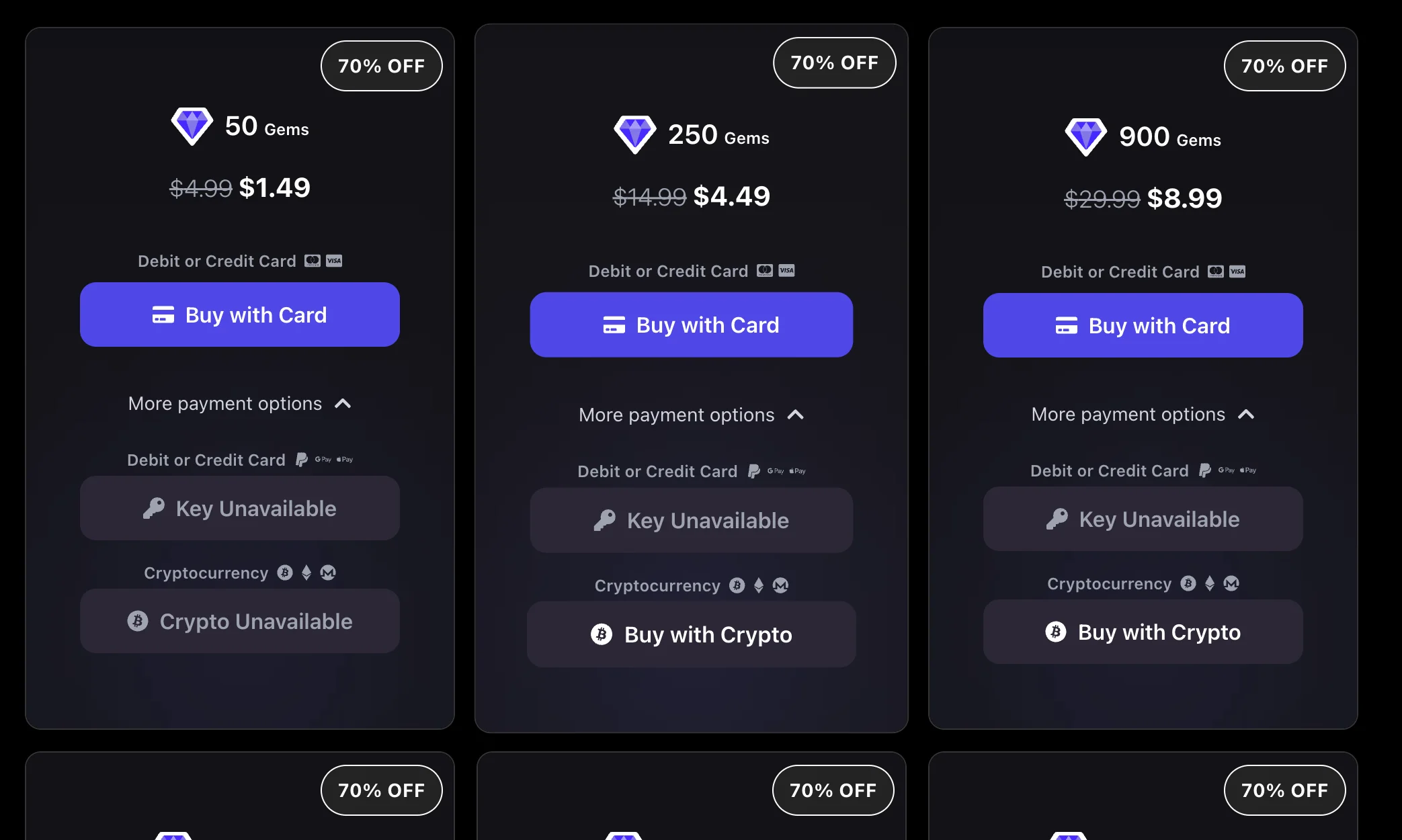
Crypto is a secure and convenient way to pay—especially when cards aren’t available. This guide covers where to buy crypto and how to pay with NOWPayments, matching the checkout flow shown above.
Recommended Low-Fee Cryptocurrencies
If you're unsure what to pick, use XLM, XRP, or SOL — all three settle in seconds and cost a fraction of a cent.
Fees checked 18 September 2026. They move with token price and network congestion, so treat these as typical rather than guaranteed, and check your wallet's estimate before sending.
Top picks (fast + genuinely cheap)
Stellar (XLM)
- Fee: ~$0.000004
- Best for: The cheapest option we accept
Ripple (XRP)
- Fee: ~$0.00003
- Best for: Speed and liquidity
Solana (SOL)
- Fee: ~$0.0003 – $0.001
- Best for: Fast payments with wide exchange support
Other options
Algorand (ALGO)
- Fee: ~$0.0002
- Best for: Stable, low-cost transfers
Polygon (MATIC)
- Fee: ~$0.01
- Best for: Ethereum-compatible payments
Tron (TRX)
- Fee: ~$0.35 – $0.90
- Best for: Widely held, but not the cheapest — a TRX transfer burns 1.37–2.73 TRX once your free daily bandwidth is used
Bitcoin (BTC)
- Fee: ~$0.80 – $5
- Best for: Universal acceptance
Ethereum (ETH)
- Fee: ~$1 – $20
- Best for: Broad exchange support, but the most expensive way to pay us
How to Buy Crypto (By Region)
General steps:
- Create an account + complete verification (KYC).
- Buy crypto (card or bank transfer).
- Withdraw to your wallet or send to the checkout address.
🇺🇸 United States
- Exchanges: Coinbase • Kraken • Gemini
- Learn: Coinbase Learn
🇬🇧 United Kingdom
- Exchanges: Coinbase • Kraken • Binance UK
- Learn: Crypto Basics
🇪🇺 European Union
- Exchanges: Bitstamp • Coinbase • Kraken
- Learn: Bitstamp Learn
🇦🇺 Australia
- Exchanges: CoinSpot • Swyftx • Binance AU
- Learn: CoinSpot Learn
🇯🇵 Japan
- Exchanges: bitFlyer • Coincheck
- Learn: bitFlyer FAQ
Wallets (Optional but Recommended)
If you want more control, use a wallet:
You can also pay directly from an exchange if it supports withdrawals.
Paying with Crypto via NOWPayments
1) Start the checkout
2) Choose your coin
- Pick a low-fee option (recommended: TRX, XLM, or SOL)
- Click Next step
3) Send the payment
- Scan the QR code or copy the address
- Send the exact amount shown
- Make sure you’re using the correct network
4) Confirm
- Status: Waiting → Processing → Success 🎉
- Your upgrade or Gems apply automatically after confirmation
Common Mistakes to Avoid
- Sending on the wrong network (most common)
- Sending less than the required amount
- Paying with a high-fee coin unnecessarily
- Reusing an old payment address
Ready?
Related articles
How to Make AI Videos on Promptchan
Learn how to make AI videos on Promptchan. Animate any image into motion, create a video straight from a text prompt, extend your favorites, and bring your AI girlfriend to life — a friendly beginner tutorial.
How to Chat with AI on Promptchan
Learn how to chat with AI companions on Promptchan. Browse the Discover feed, start a conversation, pick her voice, create images mid-chat, and build your own custom AI girlfriend — a friendly beginner guide.
Is Promptchan.ai Down? Get the Latest Updates
Wondering if Promptchan is down? Discover the official update on why Promptchan relocated its domain from Promptchan.ai to Promptchan.com. Get all the details here.
Services