Smarter Moderation, and How to Steer Pictures with Brackets and Numbers
On 4 November 2026 we switched on a new way of checking prompts for pictures and videos. It’s built around three things we care about: making creating more fun, being open about why something can’t be made, and keeping the site safe. Here’s what changed, and a quick guide to the two prompt tricks that now work better than ever: numbers and brackets.
An AI that reads your prompt, not a list of banned words
Until now, much of our checking leaned on lists of words. That was blunt: an ordinary prompt could be stopped by one word taken out of context. We’ve retired most of those lists. Now an AI reads your whole prompt and judges it against our rules, the way a person would: what is being asked for, and in what setting.
Fantasy and imagination are as welcome as ever: elves, demons, monsters, aliens and characters you invent, as long as everyone is clearly an adult.
If something can’t be made, we tell you why
When a prompt can’t be used, you no longer just get a “no”. The message names the rule it ran into, in plain words. These are the categories you might see:
| Category | What it means |
|---|---|
| Minors | Everyone must clearly be an adult. |
| Real people | Only made-up people can be used. |
| Extreme violence | Extreme violence or gore. |
| Named characters | A character who is under 18 in their story, or a real person. |
| Illegal drugs | Illegal drugs. |
| Sexual violence | Sex without clear consent. |
| Animals | Animals in a sexual way. |
| Incest | Family members in a sexual way. |
| Bodily waste | Bodily waste. |
| Hate | Hate or slurs. |
Often we can do better than say no. If a small change would make your prompt fit the rules, we put the adjusted words in your prompt box and show you a short message. Press Send adjusted prompt to make it, or Edit to change it yourself first. Either way, you see exactly what will be sent before anything is made.
Our lines don’t move
The new checks change how we judge prompts, not what’s allowed. A few lines are absolute: everyone in a picture must clearly be an adult, at every level, including safe-for-work pictures; and real people can’t be used. Pictures are checked after they’re made, too, not only the words that asked for them.
Trying again and again to get around a refusal counts against an account: when it does, the message says so, and repeated attempts may limit what the account can do. The full rules are in our Content Moderation Policy.
Numbers work now
Before, numbers were taken out of prompts before a picture was made, so “3 women” could come out as any number of women. Now they stay in. Use them for how many, when, and how old:
3 women at a rooftop party: a group of exactly three1980s fashion, film photo: a decade, kept as writtena 25 year old woman: an adult’s age (under 18 is always refused)2 cats on a sofa: counting works for anything
Brackets: turn a word up or down
Brackets tell the AI how much a word matters. Round brackets turn a word up, square brackets turn it down, and a number sets exactly how much. A word with no brackets has a weight of 1.
| You type | Weight | What it does |
|---|---|---|
(word:0.5) | 0.5× | the lightest a weight can go |
[word] | 0.91× | a little softer |
word | 1× | normal |
(word) | 1.1× | a little stronger |
((word)) | 1.21× | stronger: two round brackets is the most |
(word:1.3) | 1.3× | exactly 1.3× |
(word:1.5) | 1.5× | the strongest a weight can go |
Put together, a prompt might look like this:
a woman in a ((red)) dress, (city lights at night:1.4), [crowd]
The dress comes out clearly red, the city lights stand out strongly, and the crowd fades into the background. Weights
work in the negative prompt too: (blurry:1.3) there pushes blur away harder.
Six quick tips
- Close every bracket. A bracket without its partner is ignored, so
((red dress)gives you only one bracket of emphasis. - Two round brackets is the most.
(((word)))counts as((word)). For more, use a number:(word:1.4). - Don’t wrap a weight in more brackets. In
((word:1.5))the outer brackets are dropped and the word gets 1.5. - Weights go from 0.5 to 1.5. A bigger number is brought down to 1.5, a smaller one up to 0.5. In the negative prompt the top is about 1.35. (The top was 2 when this first went up; we lowered it to 1.5 the same day.)
- Small steps work best. 1.1 to 1.3 usually nudges a picture the right way; near 1.5, a word can take over the whole picture.
- Emoji and symbols are skipped. Prompts keep letters, numbers and
, . - ' _ /plus brackets; anything else reads as a space, and accented letters as plain ones.
In safe mode, prompts are still tidied the stricter way, so numbers and weights are left out there.
Try it out
Have a go with a number or a weight in your next prompt. If something gets refused that you think shouldn’t have been, tell us on Discord: it helps us make the checks fairer for everyone.
Related articles
About Promptchan: What It Is, Prices and Key Facts
Promptchan is an 18+ AI image, video and character chat site. Free plan; Plus $11.99, Premium $18.99, Pro $26.99 for the first 28 days, then $14.99, $23.99, $33.99.
NSFW AI Character Chat: How to Build, Roleplay and Move Your Characters
How to build an adult AI character that stays in character: picture, About, Heat, your first message, Chat or Roleplay, and moving from Character.AI.
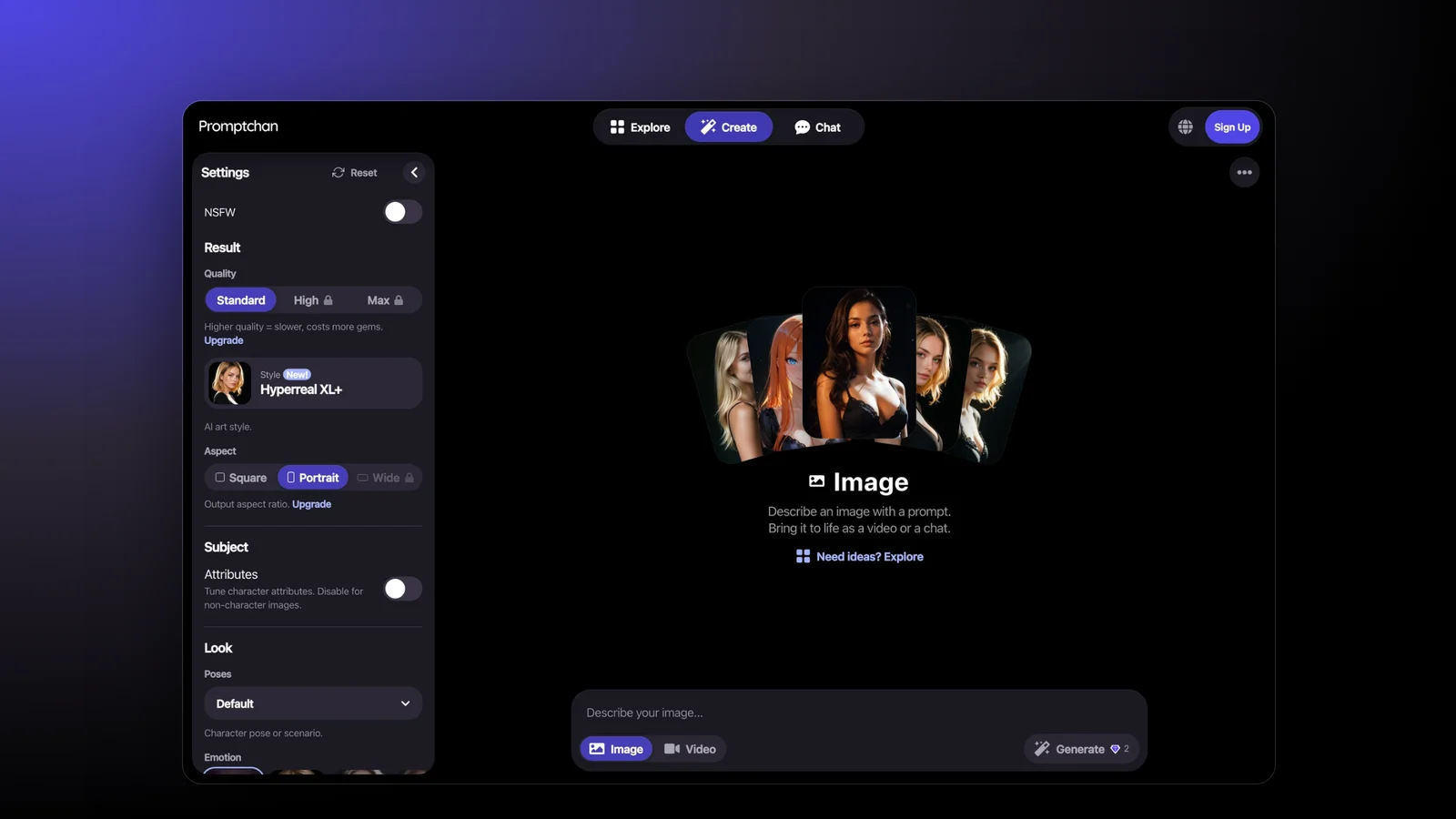
How to Use Promptchan: A Step-by-Step Beginner Guide
To use Promptchan, sign up free, open Create, describe your picture and press Generate. Here is each step, every setting, and how Gems and plans work.