How to Chat with AI on Promptchan
Promptchan Team
June 29, 2026
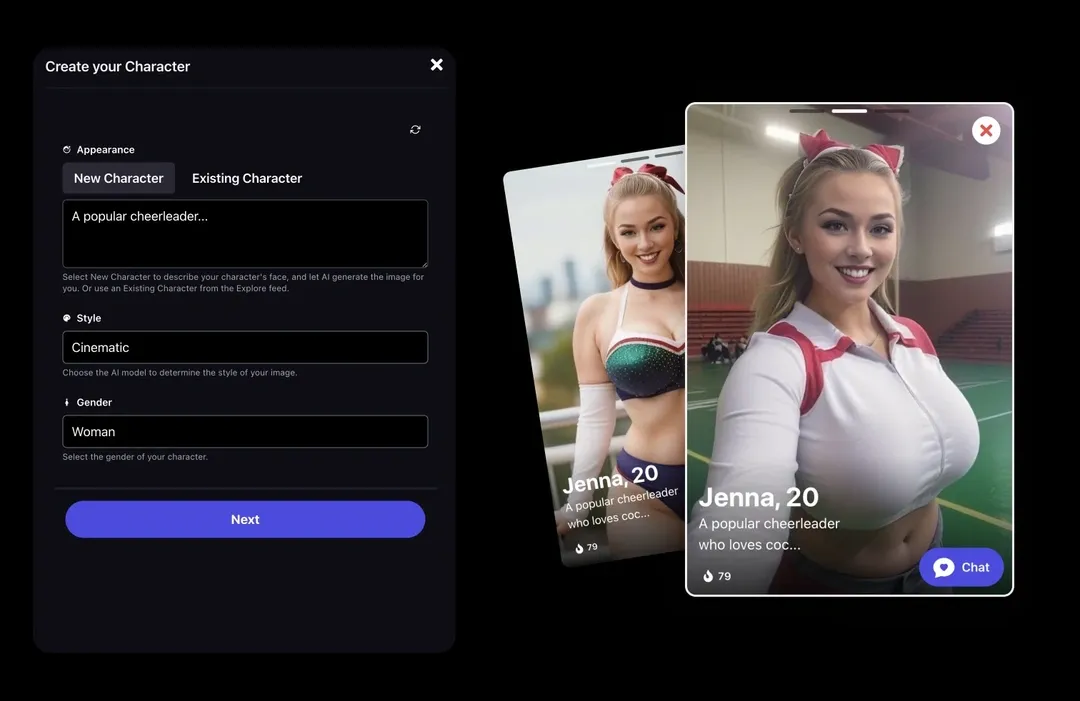
1. Your AI Girlfriend, Ready to Talk
Promptchan isn't just an image generator. Your creations can talk back. The Chat feature turns any AI character into a real conversation, whether that's a sweet back-and-forth, a slow-burn roleplay, or something a lot more intense. She'll stay in character, remember who she is, and go wherever you take her.
This guide walks you through the whole thing, from finding your first companion to building a character that's entirely your own.
2. The Discover Feed
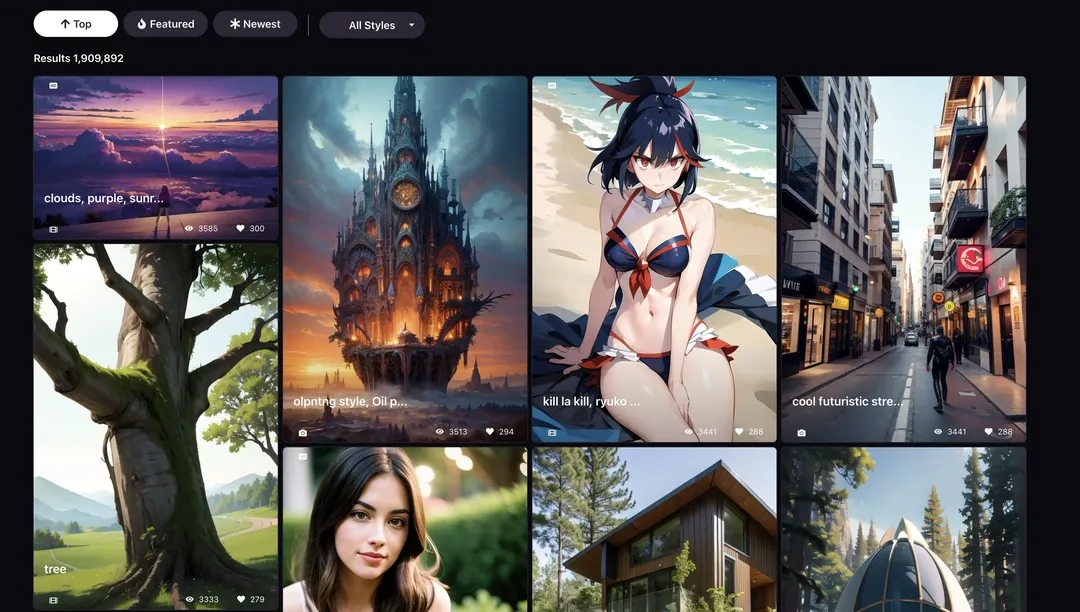
Not sure where to start? The Discover feed is a gallery of AI companions, built by Promptchan and the community, each with her own look, personality, and backstory. Browse by featured picks or trending characters, filter by gender, and tap any card to start talking instantly.
Every character comes with a name, a vibe, and a first message waiting for you. It's the fastest way to go from curious to chatting.
3. Start a Conversation
Once you're in a chat, just say hi. Type something, hit send, and she replies. No setup required — she already knows who she is and how she talks.
Want to switch things up mid-chat? You can change her personality settings, pick a new scenario to drop her into, and choose which AI model drives the conversation. The v2.5 Pro model gives the deepest, most immersive responses; v2.5 Fast keeps things quick and breezy.
4. Chat Mode vs. Story Mode
There are two ways to have a conversation:
- Chat — feels like texting. Natural, back-and-forth, casual or intimate. Most people start here.
- Story — she becomes a character in a scene and you direct the action. Describe what's happening and she writes the next chapter. Perfect for slow-burn romance, fantasy scenarios, or anything more immersive.
You can switch between them any time, just know it clears the conversation history when you do.
5. Give Her a Voice
Pick a voice that fits her. There are voices to choose from right in the chat — a couple are free, and more open up with Plus. Once you've set it, every voice message she sends sounds like her.
Voice calls take it a step further: a live, real-time call, just like calling someone on the phone. You'll find it right in the chat header on web and mobile. Voice costs Gems rather than sitting behind a plan — a voice message is 1 Gem and a call is 2 — so you can try it on any account with Gems to spend.
6. Create an Image Right from the Chat
Mid-conversation and want to see the moment? Hit Create image from scene and Promptchan generates an image pulled straight from the context of your chat — what she's wearing, where you are, the mood of the moment. No switching tabs, no re-prompting from scratch, just a picture of exactly what's happening.
It generates like any other image, so it draws on your Gem balance — and it's one of the more impressive things you can do here. You can also pick which AI Character model carries her likeness across into the picture.
7. Build Your Own Character
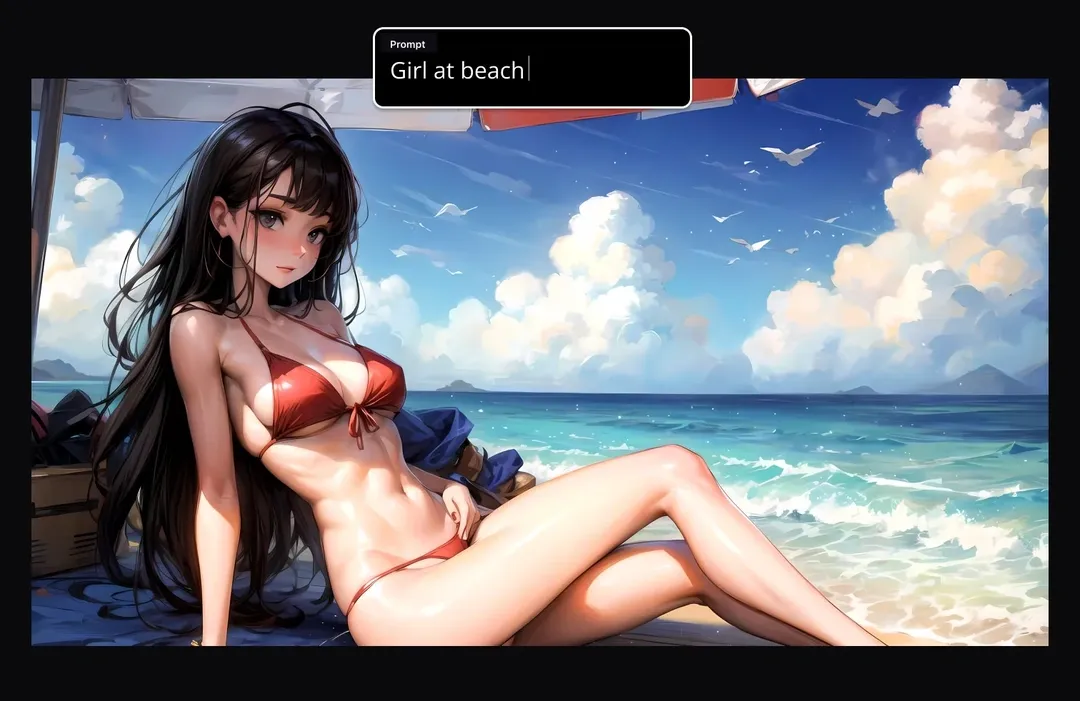
Want someone nobody else has? Create her yourself.
Start with a name and a look — either describe her appearance and let the AI generate a picture, or drop in an image from your Create page or Explore. Then fill in the rest: her personality, her job, her interests, a scenario to drop her into, and even her opening line to you.
Pro members get the full character builder: advanced appearance sliders, and the ability to build a character directly from any image you've generated on Promptchan.
8. Personality & the Details
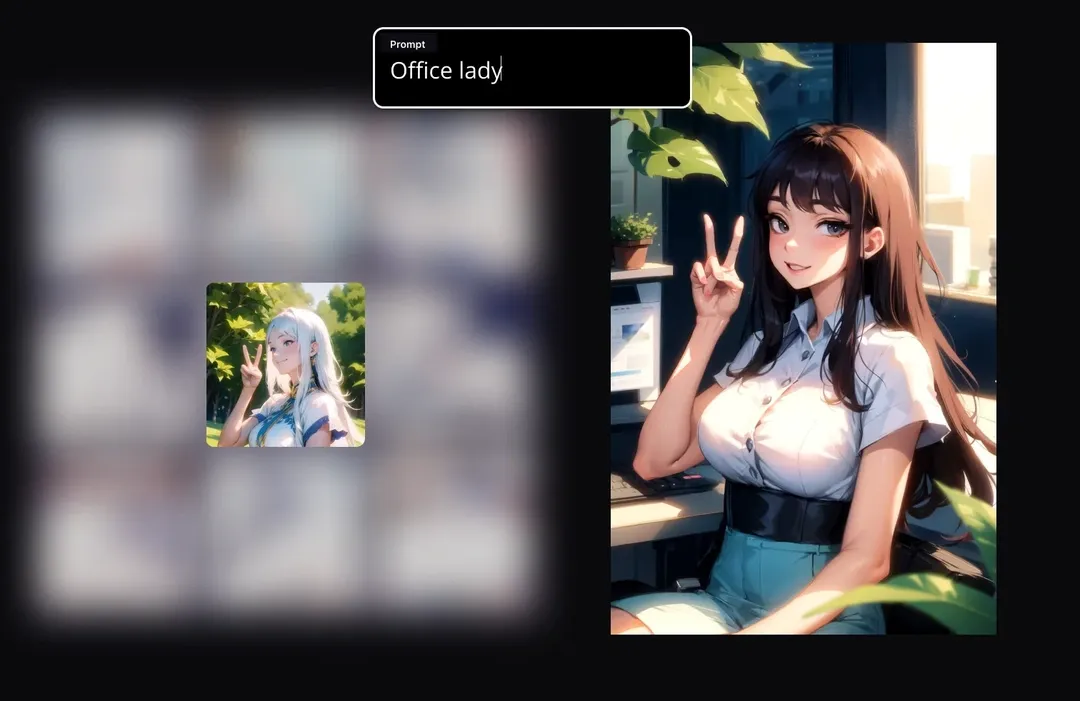
This is where a good character becomes a great one. You can set:
- Personality — shy, confident, playful, cold, whatever fits
- Scenario — pick from 50+ prewritten scenes to drop her straight into a moment
- Interests — what she loves, what she naturally talks about
- Background — occupation, location, a bit of backstory
- Sexuality — how she relates to you in the conversation
The more you fill in, the more she feels like a real person with a real life.
9. Gems & Membership
A free account gets you a handful of messages to start — enough to feel the vibe. After that, messages cost a gem or two depending on the model. Voice messages cost one gem each, and narration (AI audio of her replies) costs a little more.
The plans, in a nutshell:
- Free — try it out, first messages included
- Plus — more gems, more voices, more models
- Premium — bigger balance, great for heavy users
- Pro — the full experience: voice calls, image generation in chat, custom characters from your own images, advanced appearance settings, and the highest quality across the board
10. She's Waiting
Browse the Discover feed, pick someone who catches your eye, and say hello. Or build her yourself from scratch. Either way, the conversation starts the moment you want it to.
Related articles
How to Make AI Videos on Promptchan
Learn how to make AI videos on Promptchan. Animate any image into motion, create a video straight from a text prompt, extend your favorites, and bring your AI girlfriend to life — a friendly beginner tutorial.
How to Buy Crypto for Promptchan AI
A concise guide on buying cryptocurrency to upgrade or purchase Gems on Promptchan AI.
Is Promptchan.ai Down? Get the Latest Updates
Wondering if Promptchan is down? Discover the official update on why Promptchan relocated its domain from Promptchan.ai to Promptchan.com. Get all the details here.
Services